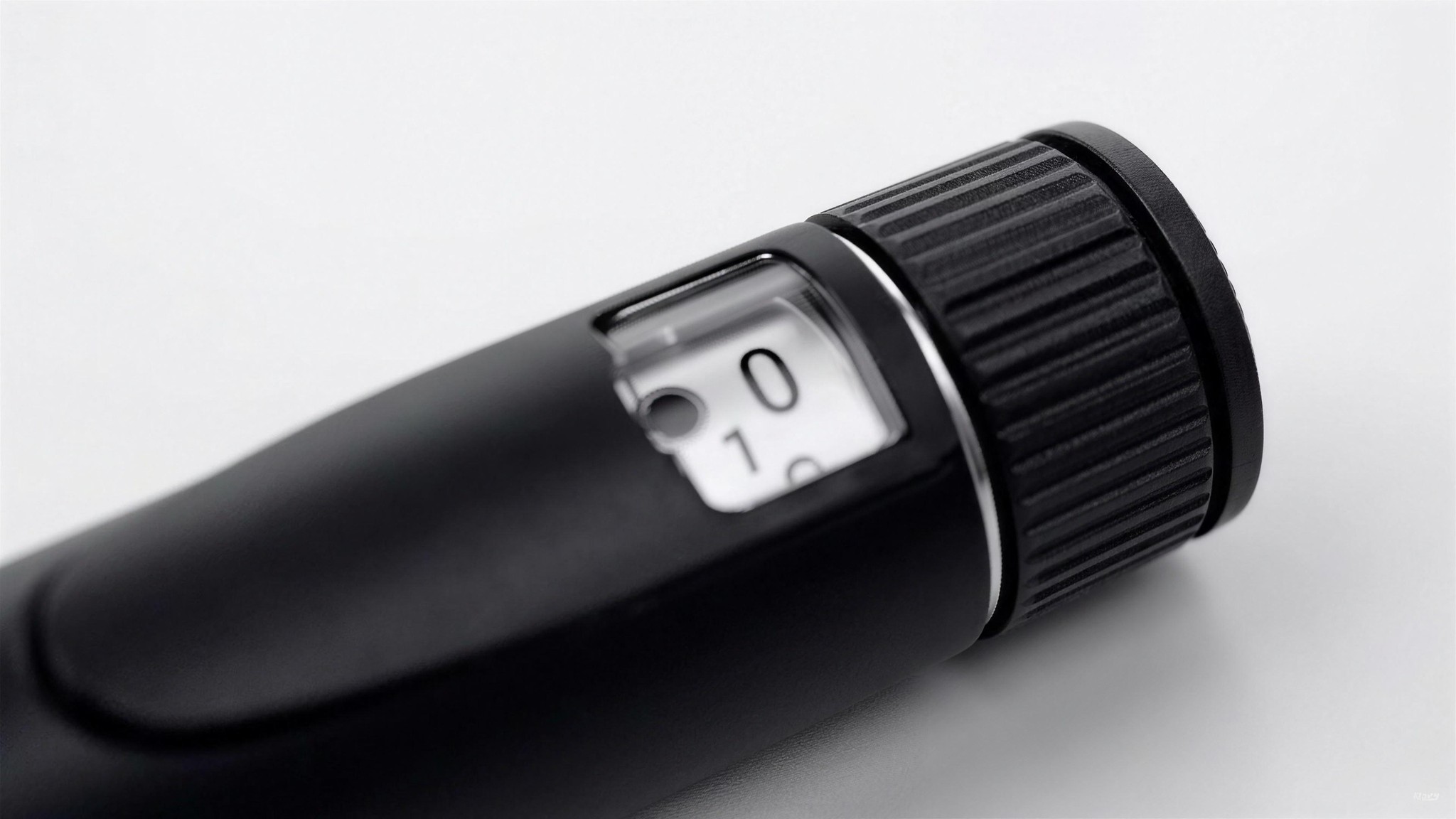
Six steps, hardware only. Research use only.
Load
Insert a 3 ml cartridge into the pen body until it seats. On the Pro, unscrew the pen body, seat the glass, and screw it back together until it clicks home. On the Go, load the cartridge as shown in the pen’s included guide — it takes one cartridge total.
Attach a tip
Twist a fresh, single-use tip onto the standard 32G × 4 mm thread until snug.
Prime
Dial a small amount and press until a droplet forms at the tip, so the air clears and fluid transfers completely — the standard air-shot for any pen instrument.
Dial
Turn the click-stop dial to the setting you need, up to 60 units. Each click is one unit, and the dial holds its position rather than drifting.
Dispense
Press the plunger fully and hold for a few seconds before withdrawing, so the full measure transfers.
After
Remove and discard the single-use tip. On the Pro, swap in a new cartridge whenever the current one runs out. On the Go, recycle the pen once its cartridge is empty.
This guide covers handling of laboratory dosing hardware only. It is not medical, clinical, or dosing advice. For research and laboratory use only. See the FAQ and needle policy for more.